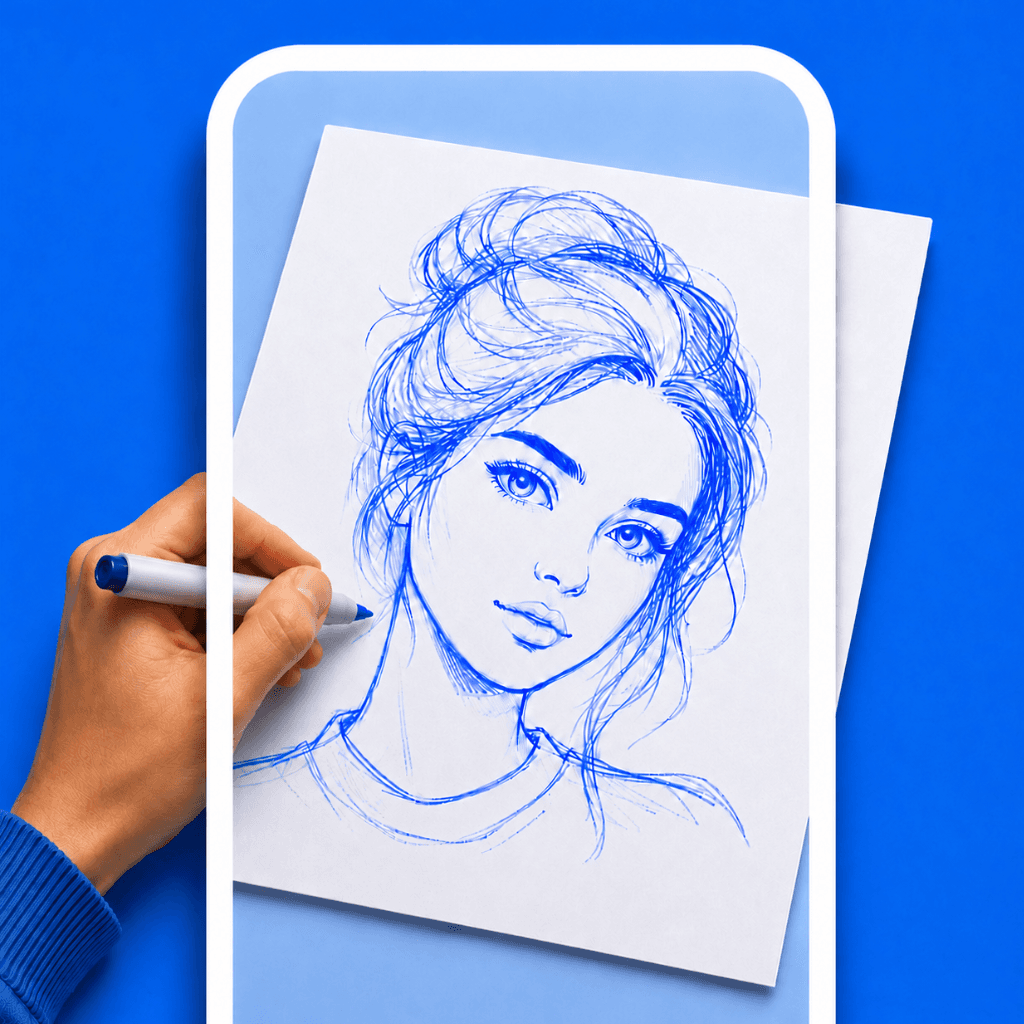

Painting a mural or a large piece of wall art is incredibly intimidating. The biggest challenge isn't the painting itself; it is getting the initial sketch onto the wall with the correct proportions.
Historically, artists used grid methods or bought expensive, bulky digital projectors. Today, the easiest method is to use your smartphone as a mural projector app.
How an AR Projector Works
Instead of throwing light against the wall (which requires you to work in the dark), an Augmented Reality (AR) app uses your phone's camera. It takes the live video feed of your wall and overlays your sketch on top of it on the screen.
As you look through your phone screen, you see your hand holding the chalk, the blank wall, and the digital outline perfectly combined.
Step 1: Set Up Your Phone
For a mural, you absolutely need a tripod. You cannot hold the phone with one hand and draw with the other on a large scale. Set up your phone on a tripod about 4 to 6 feet away from the wall, making sure the camera captures the entire area you want to paint.
Step 2: Use the Right App
While apps like Sketchar specialize in high-end mural work (and charge heavily for it), you can achieve excellent results with a simple, free project sketch on wall tool.
Drawello is a fantastic free alternative. It allows you to import your design, adjust the opacity so you can clearly see the wall texture, and crucially, lock the screen so the image never drifts.
Get Drawello Free
Save your money for paint. Use Drawello to trace your mural for free.
Step 3: Align and Trace
Load your design into the app. Use two fingers to pinch and zoom the sketch on your screen until it fits the wall exactly how you want it.
Hit the screen lock button. Now, walk up to the wall with your chalk or charcoal. Look at your phone screen (which is sitting on the tripod) and move your hand to trace the digital lines onto the physical wall.
Tip:You can trace in broad daylight. Because you are using AR instead of a light projector, you don't need to wait for the sun to go down to map out your mural.